
PLATFORM
One platform for every kind of regulated work.
See what you keep track of, what each record can do, and what is always enforced. Then see how your own kind of work would sit on it.
HOW IT FITS TOGETHER
Shaped to your workflows, with the controls already built in from day one.
From the people who use the services, at the top, to the controls that are built in, at the bottom.
Alaflow is a platform that each organisation sets up for its own kind of regulated work. It is built in five layers. The top four are for your business to shape: who uses it, which services you are running, what you need to keep track of, and what each business record can do. The fifth sits underneath and is built in from the first day. Access control, classification, protected identifiers, retention and legal hold, the audit trail and emergency access are tuned to your rules when your services are built. For example, classification can be set up to suit your work, or left unused if you do not need it. Once your services are live, none of these controls can be switched off by accident. A new service therefore starts with its protections already in place, and reshaping how the work is set up does not mean rebuilding them.
The people who use it
Staff work on their own screens. People outside your organisation use a separate portal.
- Staff
- Applicants, residents, reporting parties and claimants on the portal
Your services
Set up for each kind of work, in days, and changed as your rules change.
- Legal matters
- Municipal permitting
- Compliance investigations
This layer and the two below it are set up in days and changed as your rules change.
What you keep track of
recordsThe record types your services need.
- A case
- A party
- A hearing, a filing, an order, a deadline
What each record can do
capabilitiesBuilding blocks you switch on for each record type.
- Stages and workflow, tasks, checklists
- Notes, documents, interactions, a timeline, reports
What is built in
controlsBuilt in from the first day, tuned to your rules when your services are built, and not switched off by accident.
- Access control and classification
- Protected identifiers
- Retention and legal hold
- Audit trail and emergency access
Built in from day one. Cannot be switched off by accident.
The people who use it
Your services
What you keep track of
What each record can do
What is built in
START FROM THE WORK YOU DO
See how your work sits on it.
Pick a kind of work and watch the platform fill in. These are illustrative examples: your rules and records fit in the same places.
Choose a kind of work and the platform fills in.
The people who use it
- Staff
- Applicants, residents, reporting parties and claimants on the portal
Your services
- Legal matters
- Municipal permitting
- Compliance investigations
This layer and the two below it are set up in days and changed as your rules change.
What you keep track of
records- A case
- A party
- A hearing, a filing, an order, a deadline
What each record can do
capabilities- Stages and workflow, tasks, checklists
- Notes, documents, interactions, a timeline, reports
What is built in
controls- Access control and classification
- Protected identifiers
- Retention and legal hold
- Audit trail and emergency access
Built in from day one. Cannot be switched off by accident.
Municipal permitting
The people who use it
- Staff
- Applicants on the portal
What you keep track of
- An application
- The applicant
- Reviews and their comments
- Fee-payment state
- A permit
- An inspection and its findings
- A completion certificate
What each record can do
- Stages with deadlines
- Parallel reviews assigned to specialists
- Tasks and checklists
- Versioned documents
- Interactions
What is built in
- Access control
- Classification
- Protected identifiers
- Retention and legal hold
- Audit trail
- Emergency access
Environmental permitting
The people who use it
- Staff
- Applicants on the portal
What you keep track of
- An application
- The applicant
- Reviews and their comments
- Fee-payment state
- A permit
- An inspection and its findings
- A completion certificate
What each record can do
- Stages with deadlines
- Parallel reviews assigned to specialists
- Tasks and checklists
- Versioned documents
- Interactions
What is built in
- Access control
- Classification
- Protected identifiers
- Retention and legal hold
- Audit trail
- Emergency access
Compliance investigations
The people who use it
- The investigating team
What you keep track of
- A report or allegation
- The assigned investigator
- Evidence
- Interviews and calls
- Steps against deadlines
What each record can do
- Versioned documents for evidence
- Interactions for interviews and calls
- Tasks and checklists against deadlines
What is built in
- Access control
- Classification
- Protected identifiers
- Retention and legal hold
- Audit trail
- Emergency access
Medical examiner office
The people who use it
- Staff
- Authorised outside parties on a controlled portal
What you keep track of
- A case from intake
- Decedent and next-of-kin records
- Investigation steps with deadlines
- Reports produced from templates
What each record can do
- Stages with deadlines
- Templates to Word or PDF
- Documents
- A controlled portal for outside parties
What is built in
- Access control
- Classification
- Protected identifiers
- Retention and legal hold
- Audit trail
- Emergency access
Affordable housing and community development
The people who use it
- Housing staff
- Applicants and residents on the portal
- Funders and partners, with a limited view
What you keep track of
- An applicant household
- A waitlist place
- A unit and its lease
- An income recertification
- A support plan
- A repair or home-purchase file
- A funder and a grant
- A report to a funder
What each record can do
- Stages with deadlines
- Tasks and checklists
- Versioned documents
- Interactions
- Reports
- A portal for residents and applicants
What is built in
- Access control
- Classification
- Protected identifiers
- Retention and legal hold
- Audit trail
- Emergency access
Legal matters
The people who use it
- Staff
- Claimants on the portal
What you keep track of
- A matter
- Parties
- Tasks
- Documents
- The sample workflow
What each record can do
- Stages and deadlines
- Tasks and checklists
- Documents
- Interactions
- Reports
- Rules that guide data entry
What is built in
- Access control
- Classification
- Protected identifiers
- Retention and legal hold
- Audit trail
- Emergency access
Something else
Tell us about your work. The same building blocks apply: stages and deadlines, tasks and checklists, documents, interactions, reports, client portal. The controls that are built in still apply.
BUILDING BLOCK
Run the matter
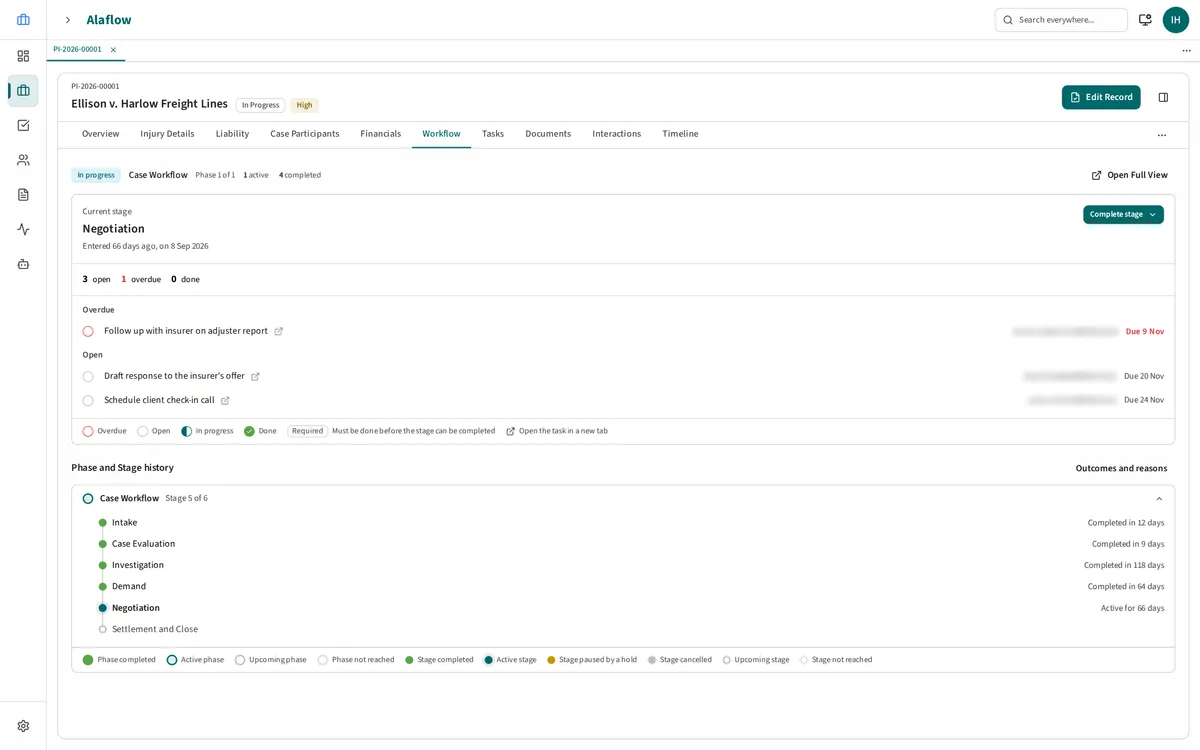
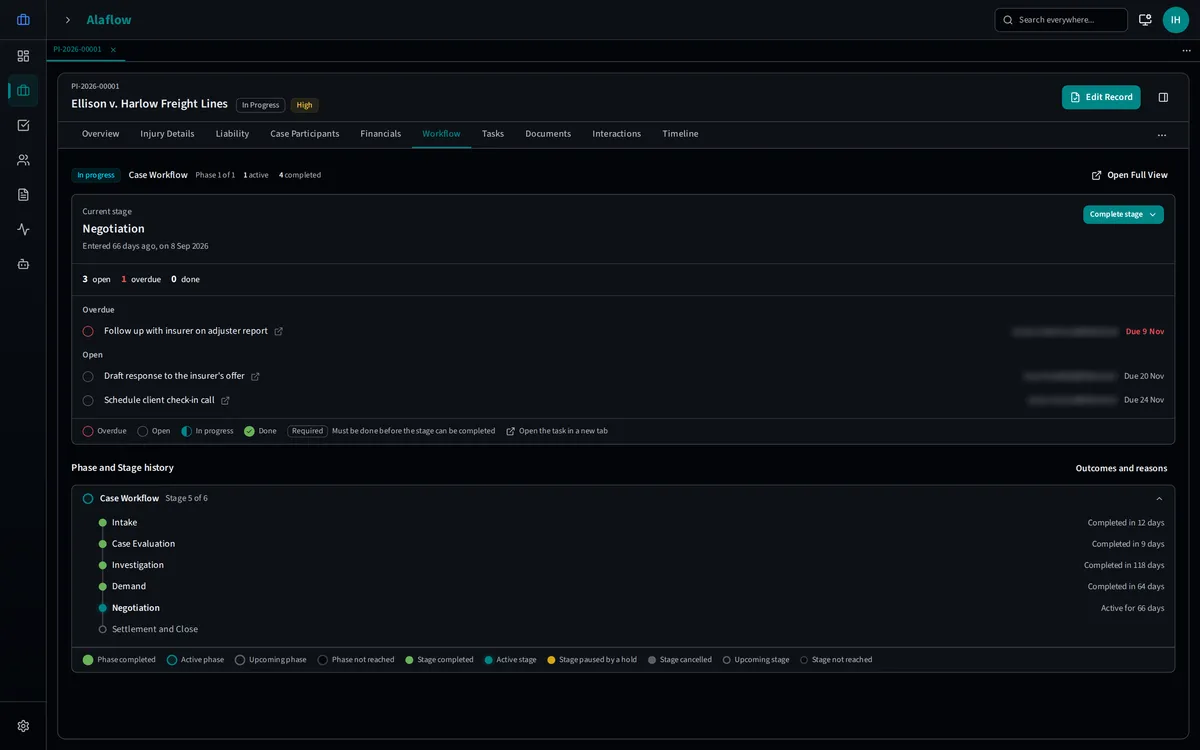
Every step has an owner and a deadline. A matter can't move on until the work is done.
- Phases made of stages, each with an owner, a target duration and a deadline.
- Entry and exit criteria, so a matter cannot advance until the work is done.
- Missed deadlines are logged as breaches. Late work is visible, not hidden.
- One process, defined once and applied to every new matter.
- An analytics page and a visual criteria builder for administrators.
- Tasks that belong to one record and one owner or team, with checklists and mandatory items.
- Rules that guide data entry, each with a plain reason shown to the user.
BUILDING BLOCK
One record, everything attached
One record, nothing re-typed.
- Tasks, checklists, comments, typed notes, documents, interactions (send email, log calls and meetings), a milestone timeline and related parties.
- Email can be ingested and linked, so email lives with the work.
- Parties carry addresses, several emails and phones, roles and relationships.
- Duplicate detection blocks exact matches and warns on close ones. An administrator can override, and the override is itself audited. A duplicate finder and merge are included.
BUILDING BLOCK
What happens to the case data you already have?
Import is built and validated for each type of record.
Bring the case data you already have. Each import is checked against the type of record it fills.
BUILDING BLOCK
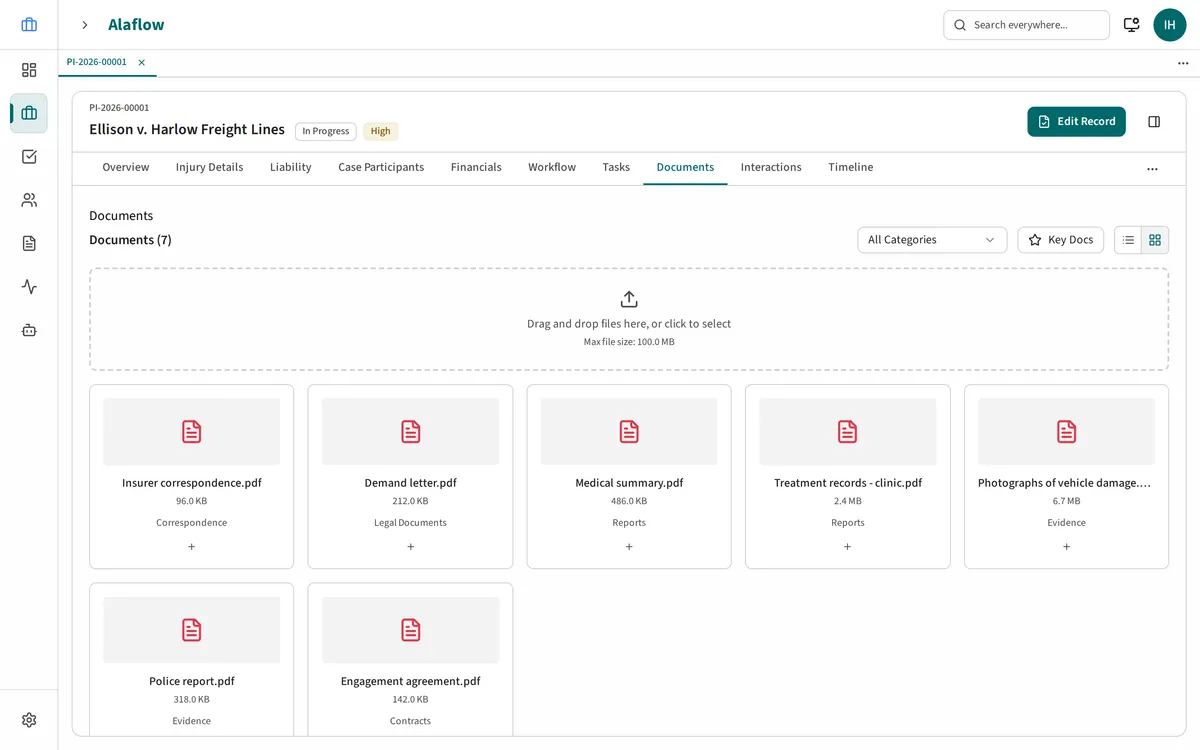
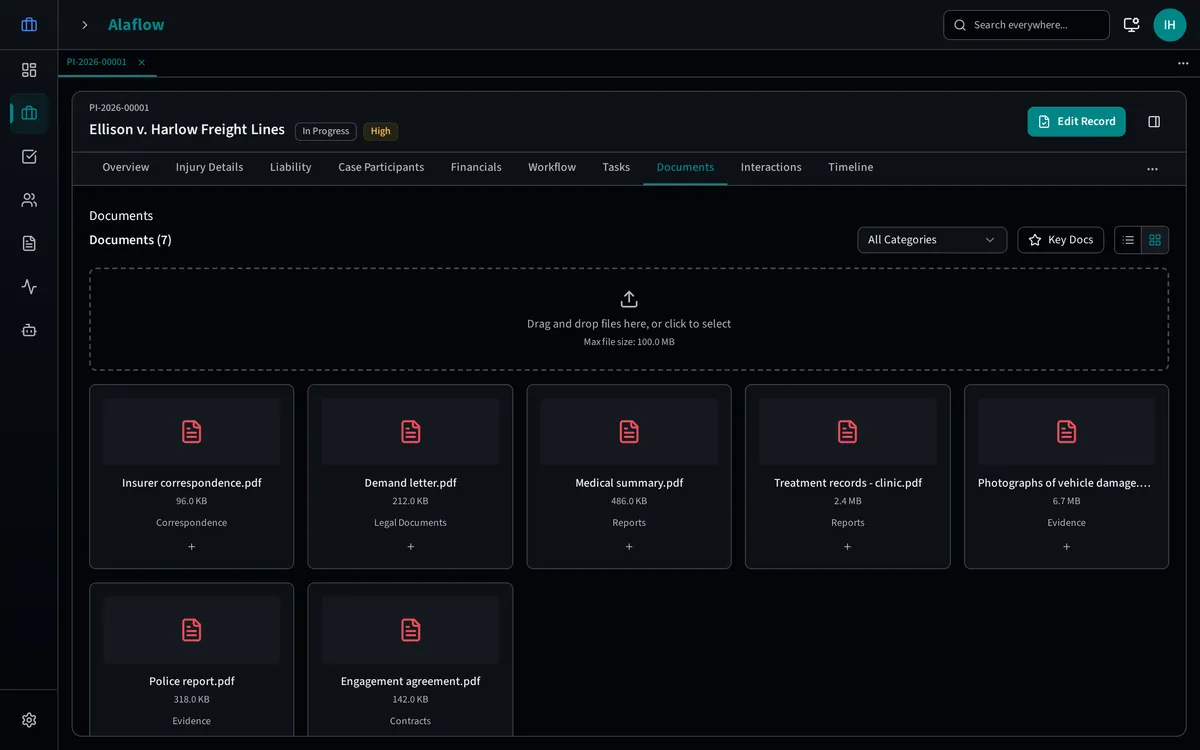
Documents
Find any document, and see every version.
- Categories, tags and version history.
- Full-text search with filters and saved searches.
- Upload and download are gated by access to the record a document belongs to.
- Templates fill from the record and produce Word or PDF.
BUILDING BLOCK
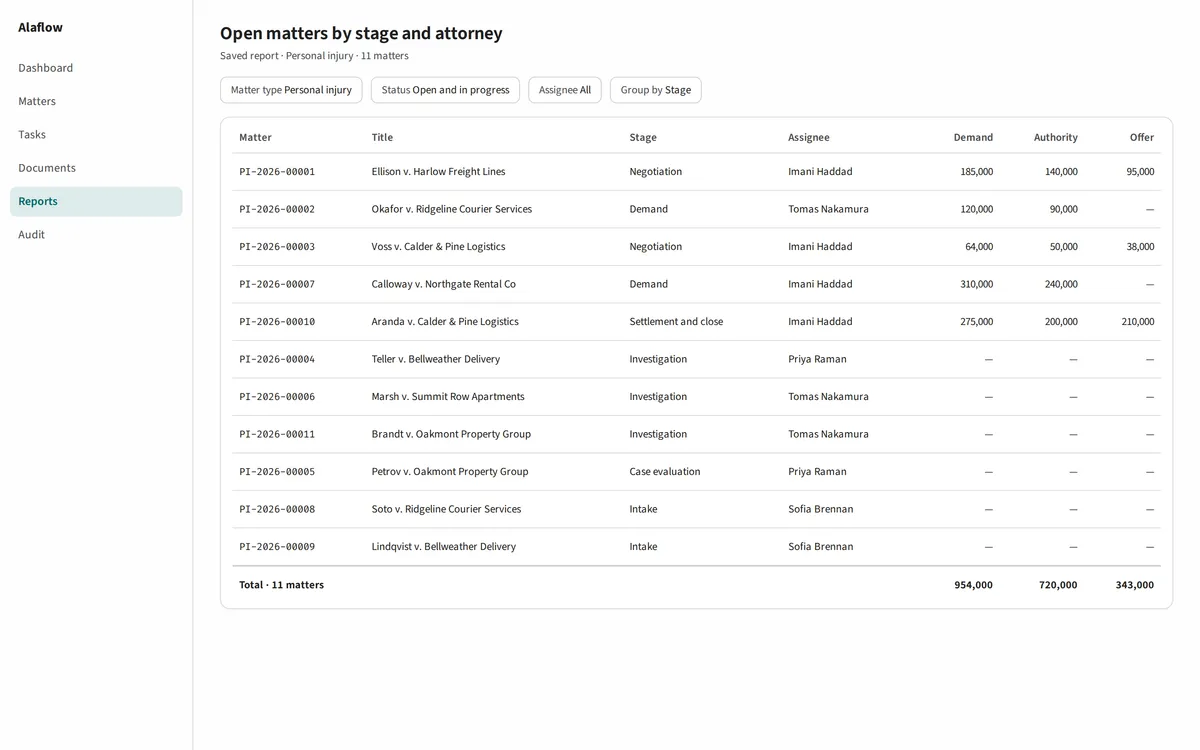
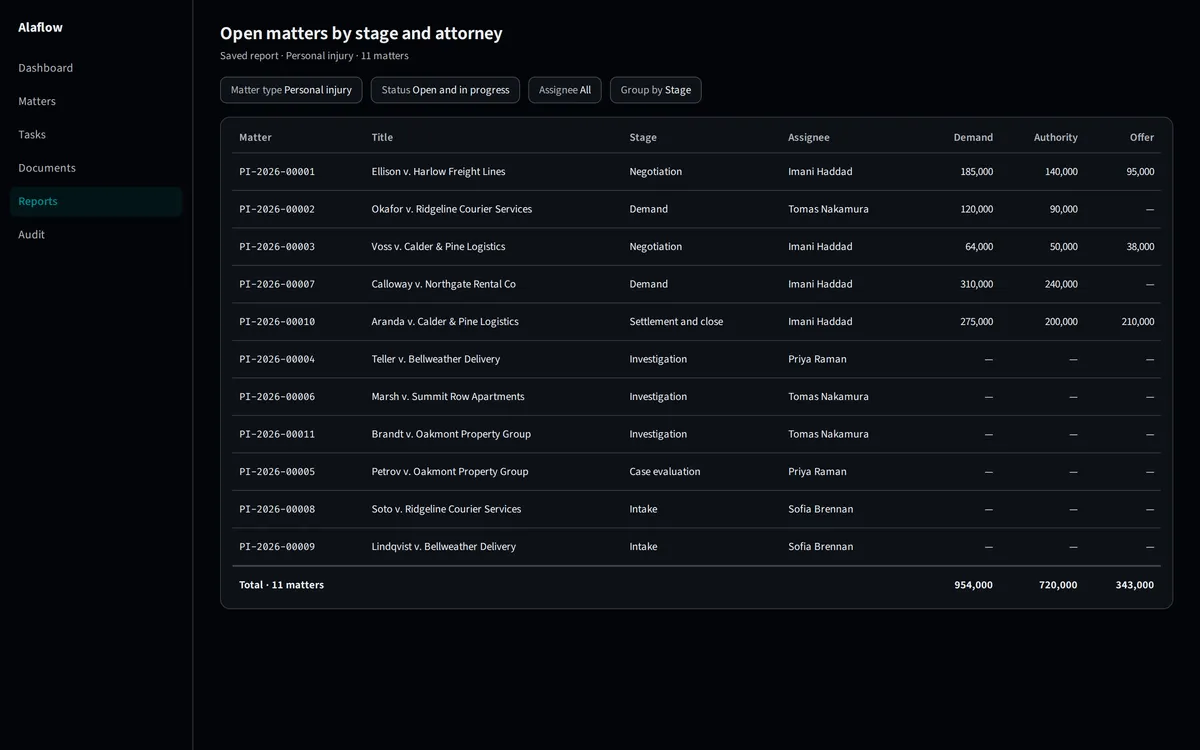
Lists and reports
Build the report you need from your own data.
- Fast tables with pinned columns, badges, inline editing and live stats.
- Views are saved and shared through the page address.
- A report builder with filters, totals and look-ups across related records, up to three levels.
- Exports are permission-gated and audited, so no data leaves unlogged.
BUILDING BLOCK
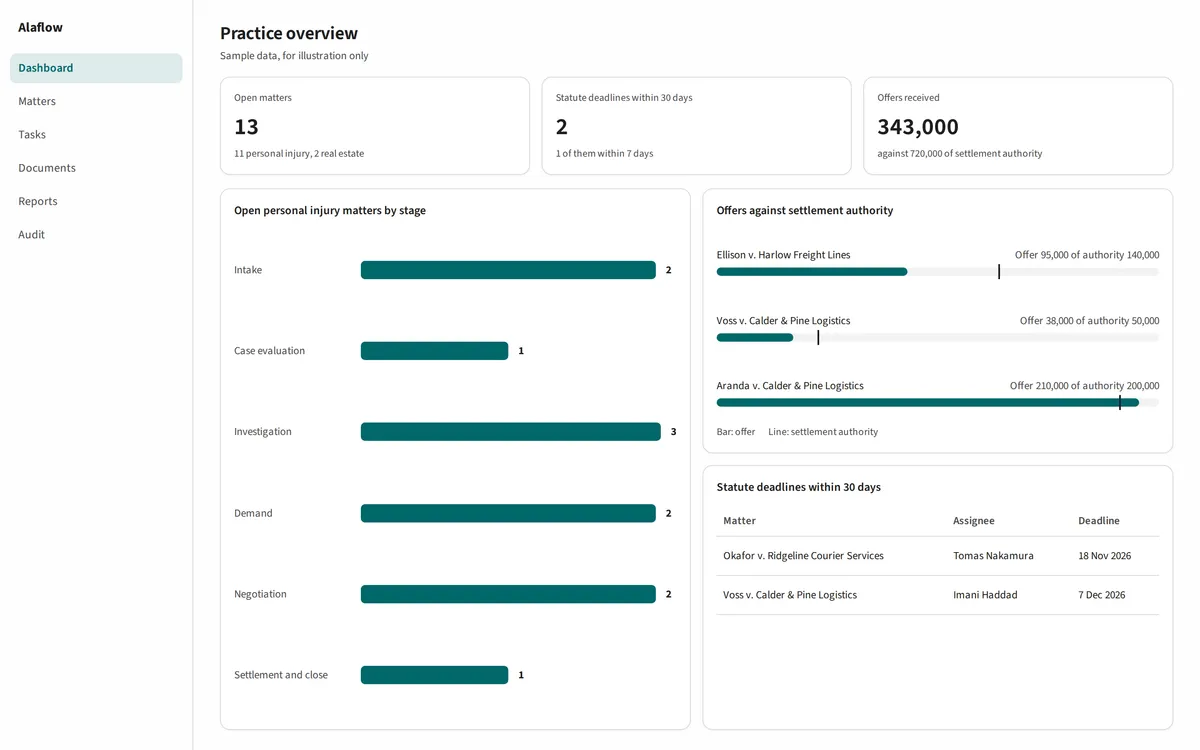
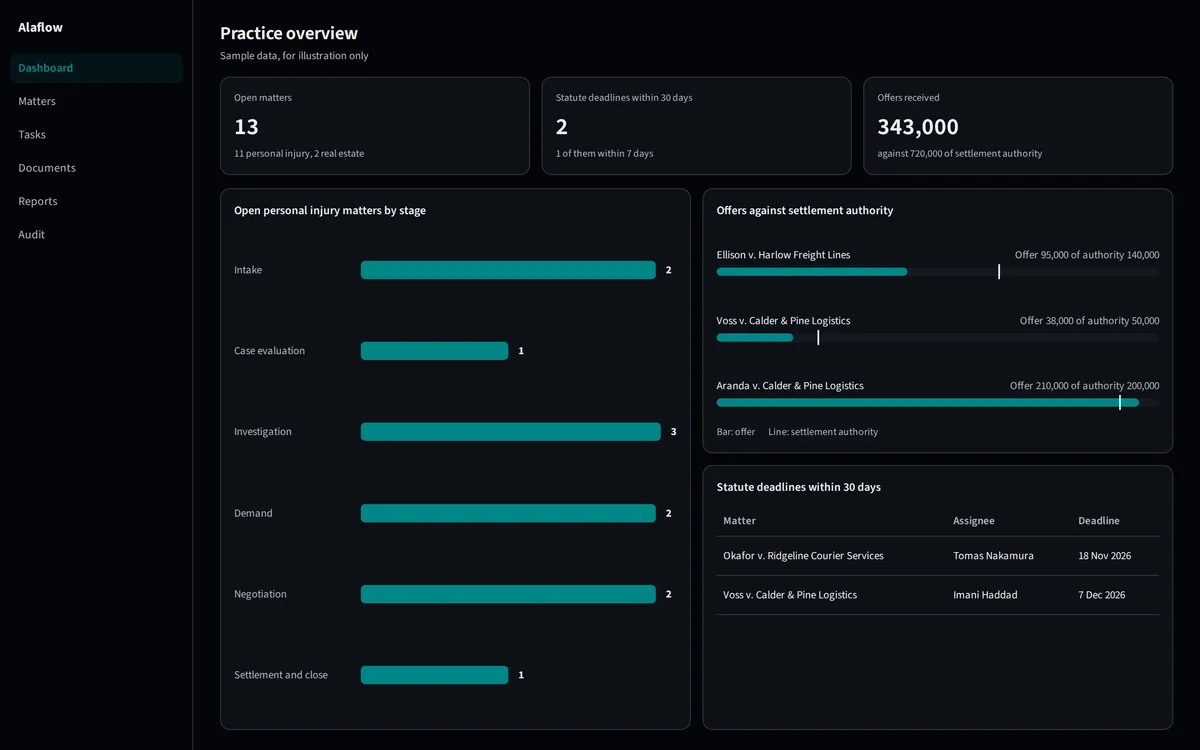
Dashboards you can trust
Future: dashboards that can never show a number you couldn't see.
Each type of record will get its own charts and tiles. Dashboards will run as the person viewing them, so a dashboard can never show a number that person could not have seen. Totals over sensitive fields will need a clearance and a minimum group size, and organisation-wide exact figures will go through reporting.
Being built now. Talk to us about being first.