

LEGAL MATTERS
Legal matters, with every step on the record.
Personal injury and real estate matters, with tasks, documents, parties, rules and a client portal, on the same platform and the same built-in security.
A worked example: legal matters on Alaflow.
Every screen and step below is illustrative. They show how the platform handles this kind of work, set up the way your own rules require.
Law firms and legal teams keep many matters moving at once, each with its own parties, deadlines and documents. A matter is opened when a client engages the firm, and it stays open until it is resolved, often over months or years. In that time the firm has to keep track of who is involved, what has been sent and received, which deadlines are running, and what has been agreed with whom, and it has to be able to show all of it afterwards.
The service on this page is a legal matter management service. Each matter is one record that holds its parties, tasks, documents, deadlines and history, and moves through defined stages with an owner and a date at each one. The client can follow their own matter in a portal, and the firm can show exactly what was done and when. The sections below show how that service is made up, using personal injury and real estate matters as the examples.
What this service is made of.
The people who use it
Staff work on their own screens. People outside your organisation use a separate portal.
- Staff
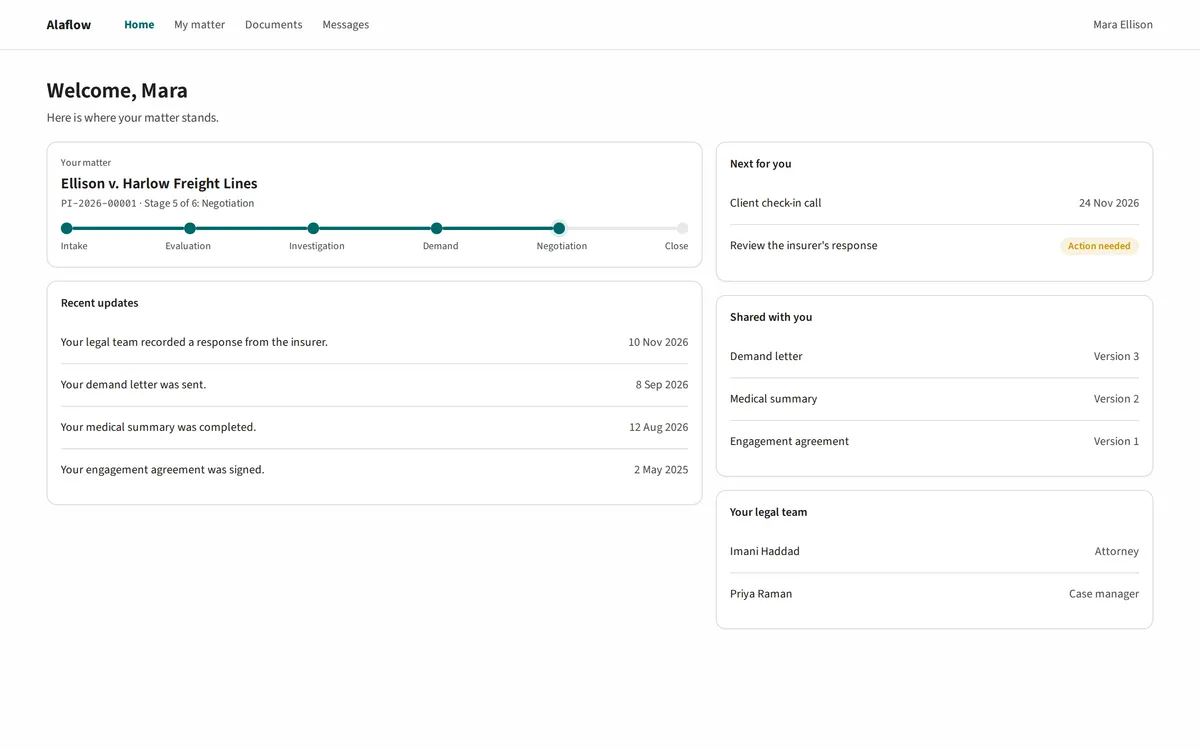
- Claimants on the portal
Your services
Set up for each kind of work, in days, and changed as your rules change.
- Legal matters
This layer and the two below it are set up in days and changed as your rules change.
What you keep track of
recordsThe record types your services need.
- A matter
- Parties
- Tasks
- Documents
- The sample workflow
What each record can do
capabilitiesBuilding blocks you switch on for each record type.
- Stages and deadlines
- Tasks and checklists
- Documents
- Interactions
- Reports
- Rules that guide data entry
What is built in
controlsBuilt in from the first day, tuned to your rules when your services are built, and not switched off by accident.
- Access control
- Classification
- Protected identifiers
- Retention and legal hold
- Audit trail
- Emergency access
Built in from day one. Cannot be switched off by accident.
A worked storyline.
How a personal injury matter could move, from intake to settlement.
- A claimant contacts the firm and a matter is opened.
- Parties, the accident date and the injury are recorded, and duplicate detection flags anyone already on file.
- Tasks and checklists are assigned, with the statute deadline kept in view.
- Records and documents are gathered, and every version is kept.
- A demand is drafted and sent, and rules on the screen guide the next entries.
- Offers and settlement authority are recorded, and the matter closes with the full history intact.
Personal injury matter.
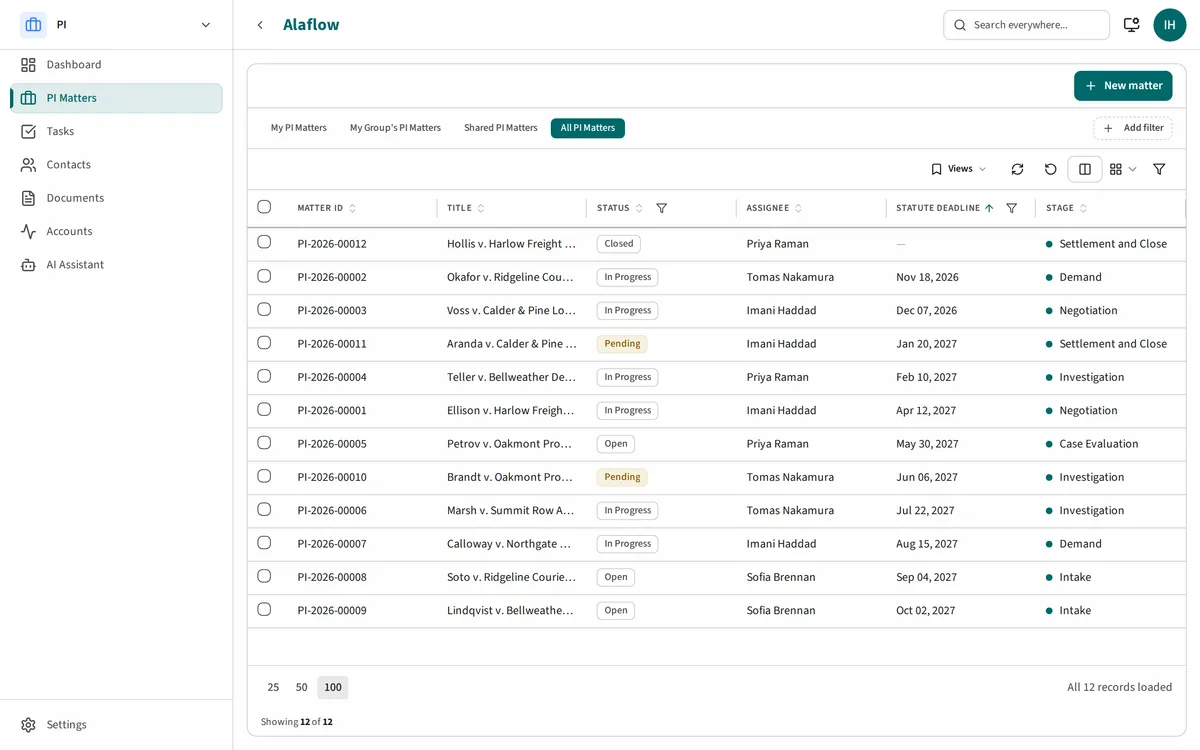
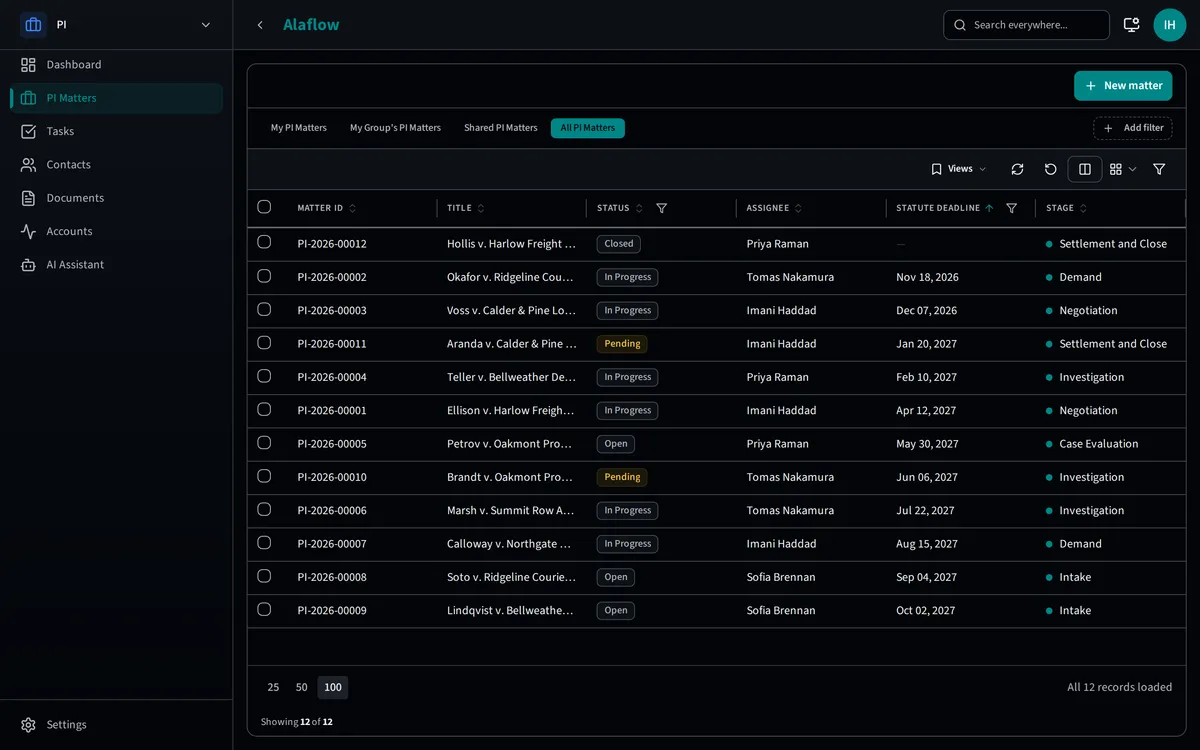
The deadlines that matter are in the list.
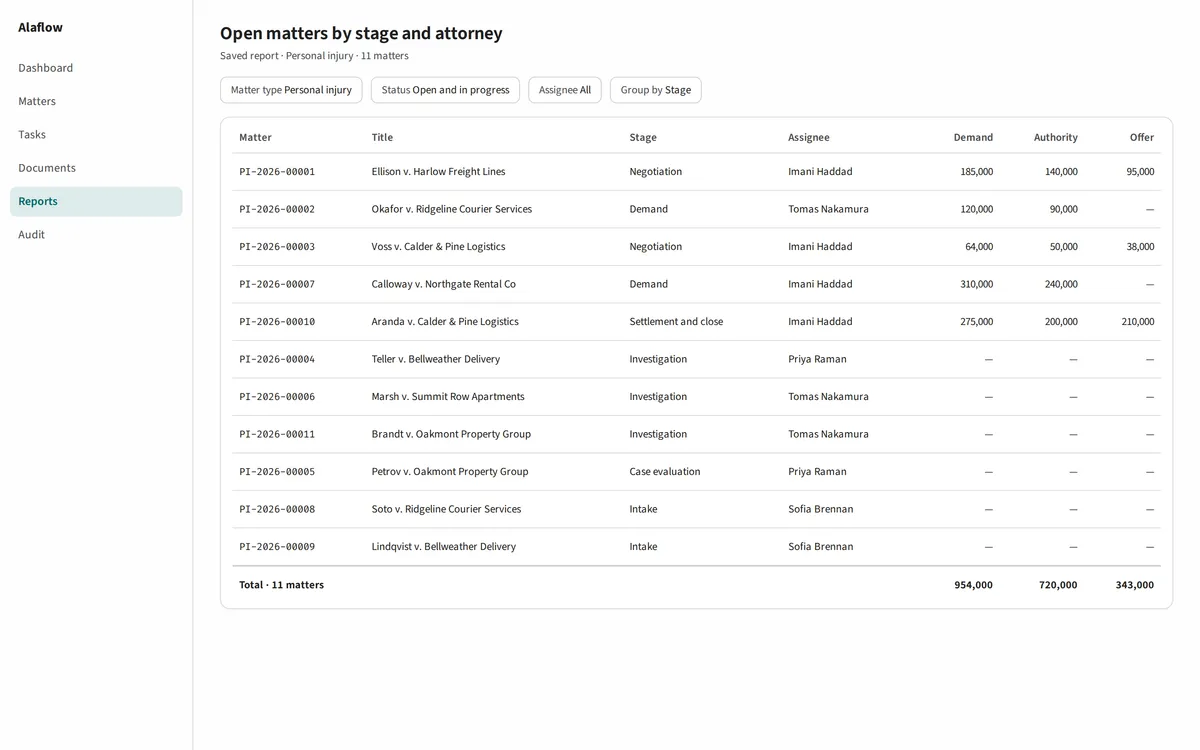
A matter keeps track of the accident type and date, injury severity, demand amount, settlement authority, settlement offer and the statute deadline.
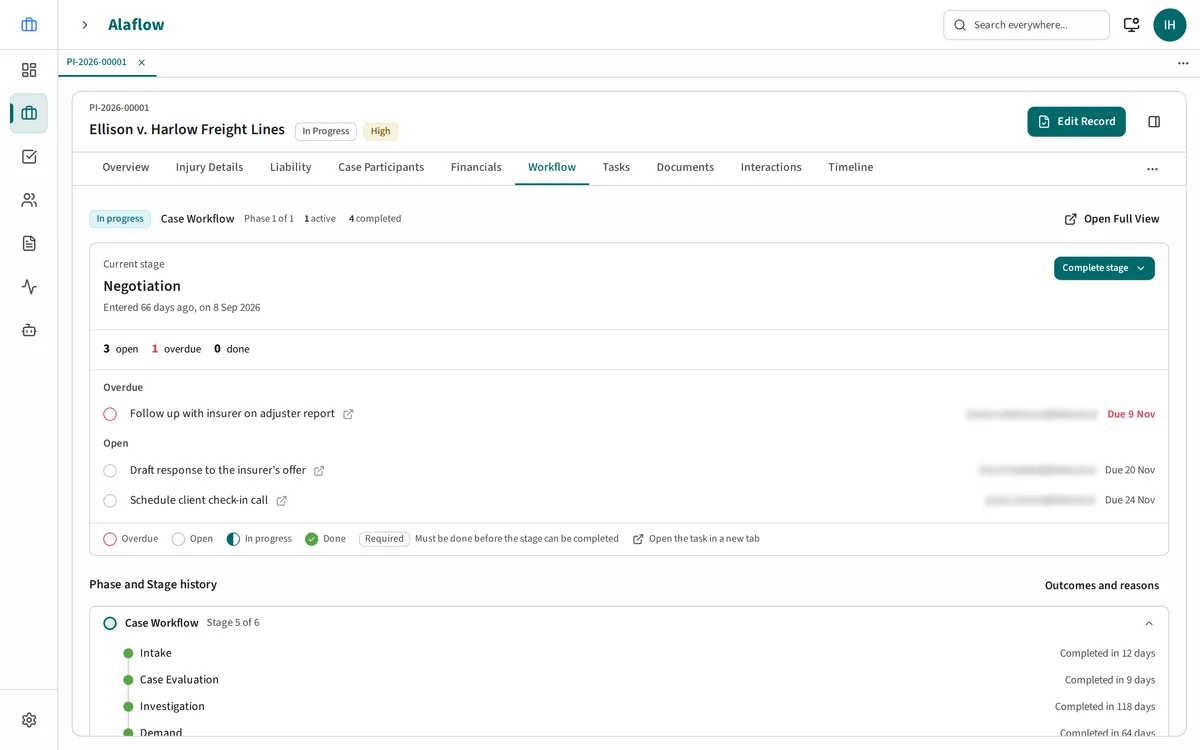
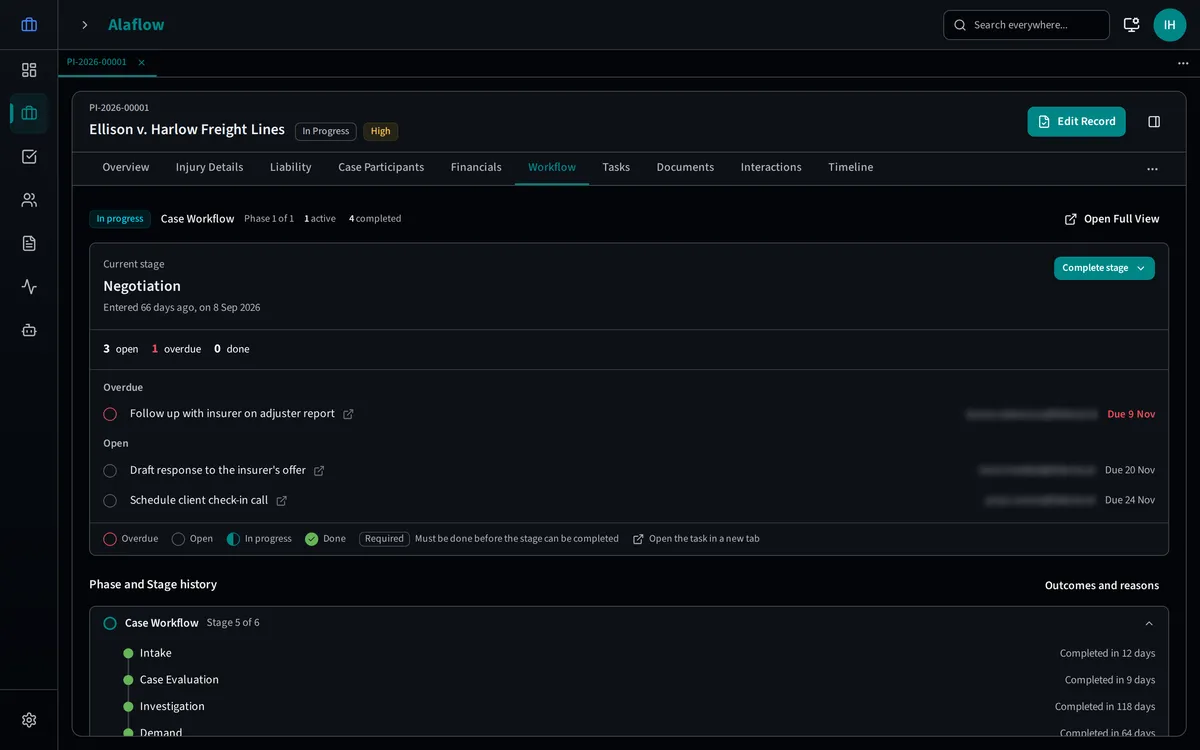
It follows the sample workflow, with an owner and a deadline at every stage.
Rules that guide the work.
The screen explains why a field is required.
- Once a demand is sent, settlement authority becomes required.
- No offer can be entered before a demand amount exists.
- Once an offer meets the client’s authority, the demand amount locks.
Each rule shows its reason to the person using it.
Real estate matter.
Buyers, sellers, title companies, lenders and similar roles take part in a matter as participants.
Parties, documents, reports.
- Parties carry roles and relationships. Duplicate detection stops two records for the same person.
- Documents keep every version and can be found by search.
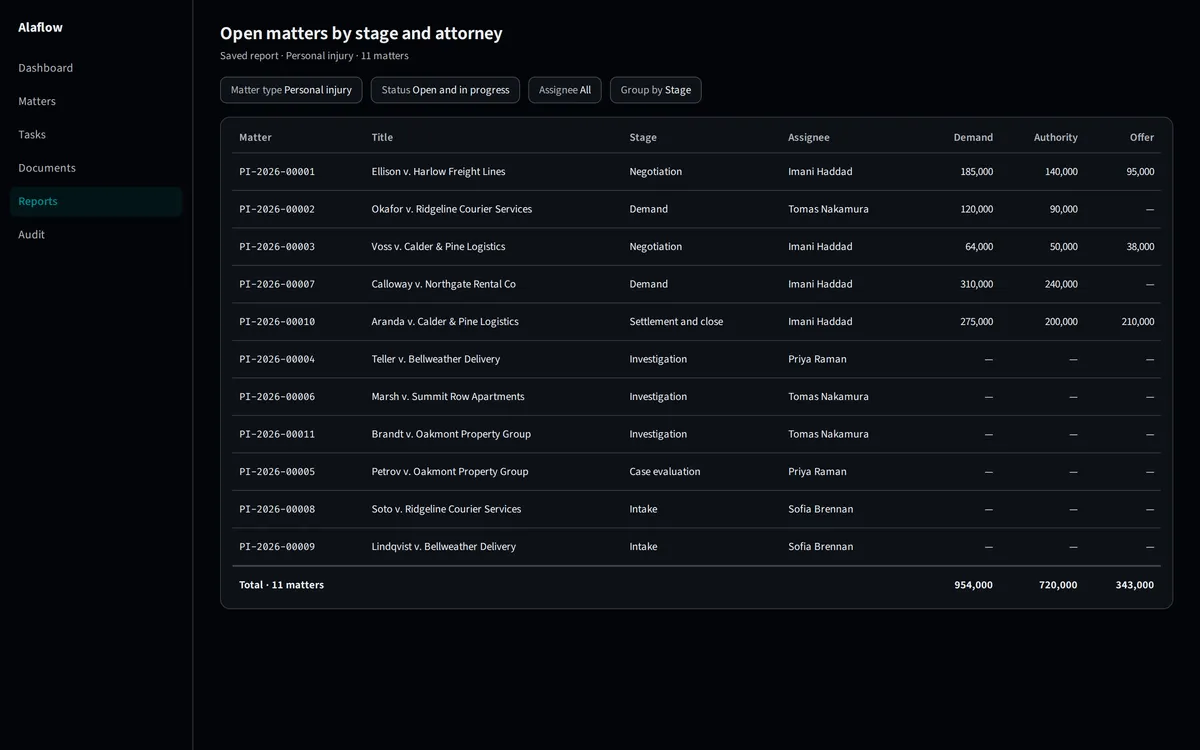
- A report view brings filters and totals together from your own data.
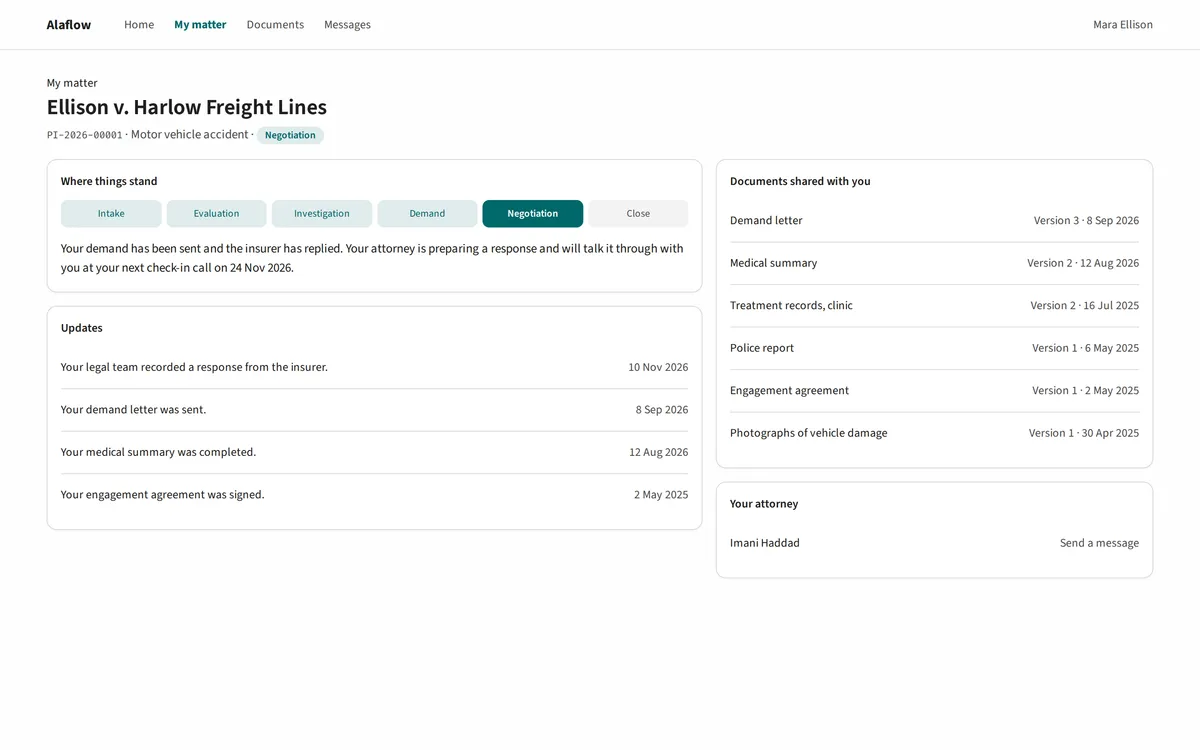
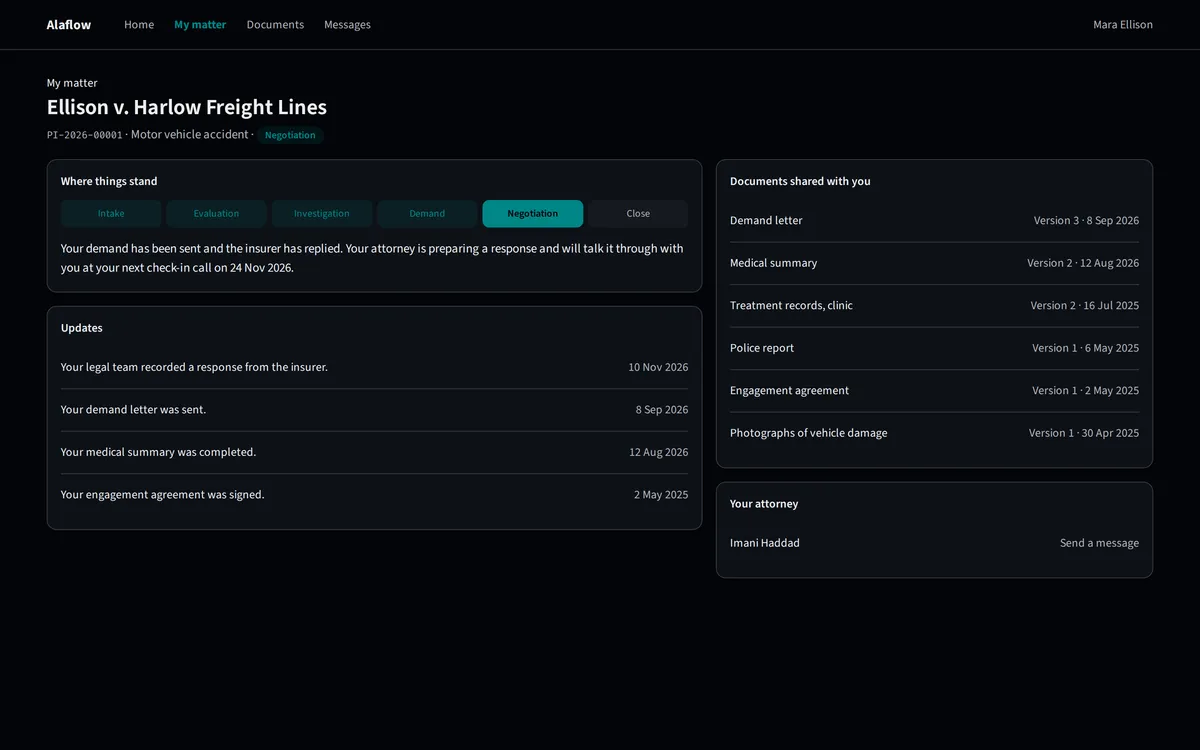
The claimant's portal.
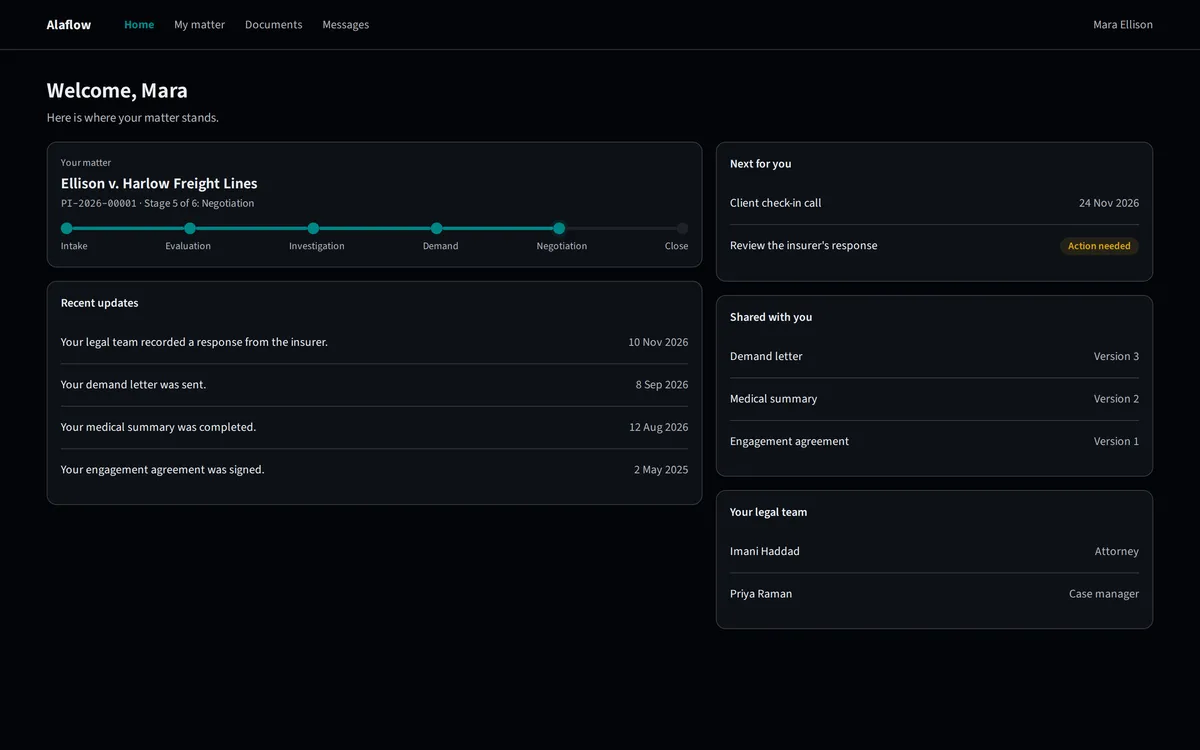
A portal of their own, kept apart from staff.
Workspaces.
One workspace per practice area.
Each practice area gets a workspace of its own on the same platform.
What already works.
The capabilities underneath are available today.